

AI-Powered Productivity on Any Device: What Modern Document and Diagram Tools Must Deliver in 2026
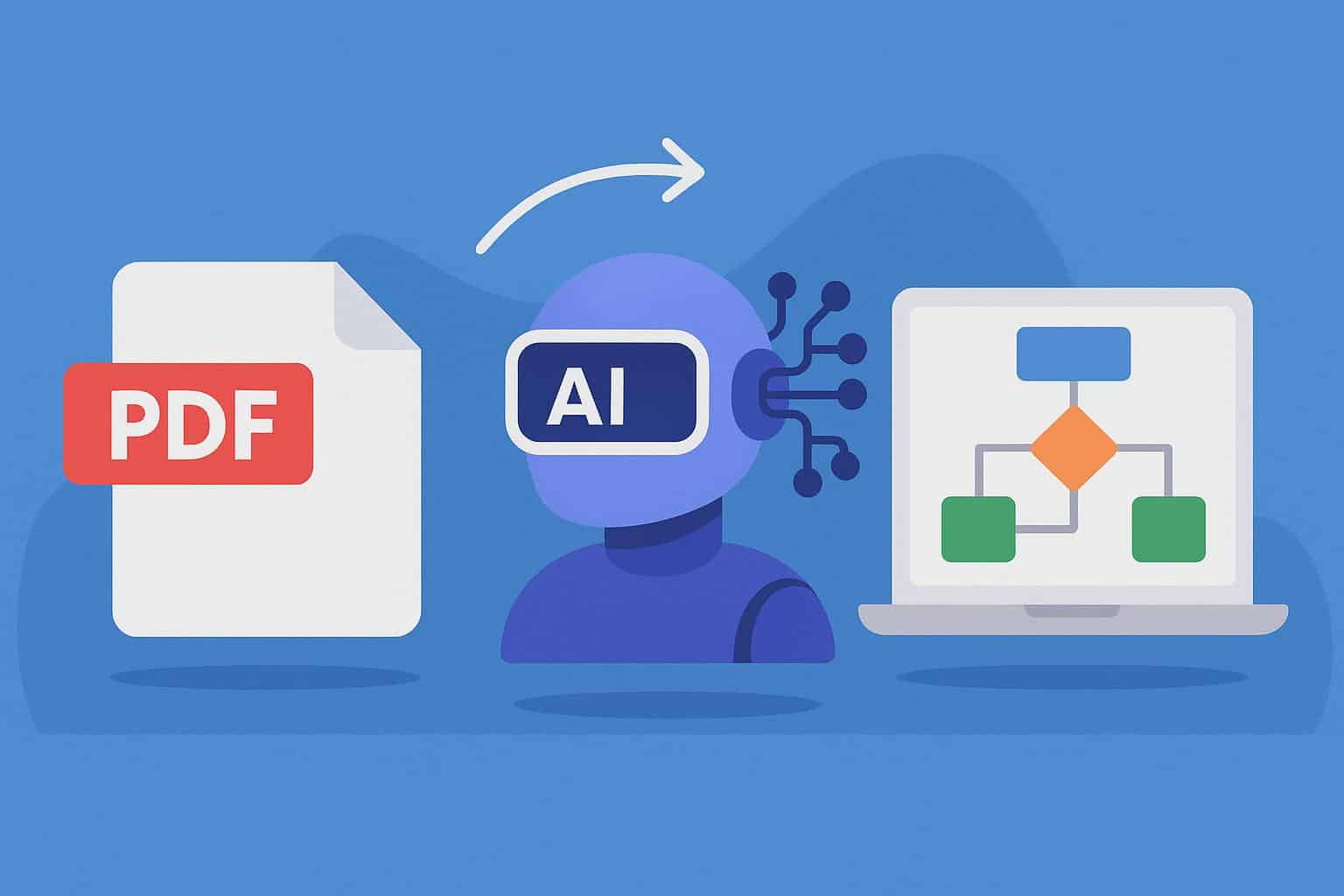

Work doesn't happen at a desk anymore. It happens on a tablet in a library, on a phone between meetings, on a laptop at a coffee shop. The tools professionals and students reach for need to match that reality — and in 2026, AI-powered document and diagram tools are finally catching up.
What Users Now Expect as Standard
The expectations for productivity software have shifted dramatically. What impressed users three years ago is now table stakes. The bar in 2026 includes:
- Speed without accuracy trade-offs: Fast processing that still produces reliable, structured output.
- Format flexibility: The ability to handle JPGs, multi-page PDFs, spreadsheets, Word files, and plain text — without switching apps.
- Mobile and browser compatibility: Full functionality across devices, with cloud-synced progress.
- Intelligent interpretation: AI that understands document content — extracting tables, identifying logical structures — not just converting formats.
- Minimal onboarding: Interfaces that feel intuitive within minutes, not weeks.
The Tool Landscape
Several tools are competing in this space with different strengths. Adobe Acrobat AI Assistant excels at document comprehension and PDF interaction but lacks diagramming capability. Notion AI adds summarization and writing assistance to project management workflows but doesn't handle document conversion. Canva covers visual design and basic whiteboard flowcharts but requires more manual effort than AI-driven solutions. Xmind AI focuses specifically on mind mapping from text prompts. Smallpdf handles standard PDF tasks reliably in-browser but has limited AI features.
The Workflow Reality
The most useful tools are the ones that disappear into your process. Whether the task is converting a PDF to a spreadsheet, generating a process diagram from a document, or creating a visual from whiteboard notes, the best outcome is when the tool handles it without requiring a separate app for each step.
🔗 Read the full article on iLounge
Stay in Rhythm
Subscribe for insights that resonate • from strategic leadership to AI-fueled growth. The kind of content that makes your work thrum.
More from Thrum
Additional pieces exploring adjacent ideas